Understanding Monitor Refresh Rates
Choosing the right display technology starts with understanding monitor refresh rates, which define how many times per second your screen updates with new information. While 60Hz has been the standard for decades, higher refresh rates like 144Hz have become increasingly common in modern computing environments. This metric is measured in Hertz (Hz), representing the number of cycles per second, and it fundamentally changes how motion appears on your screen.
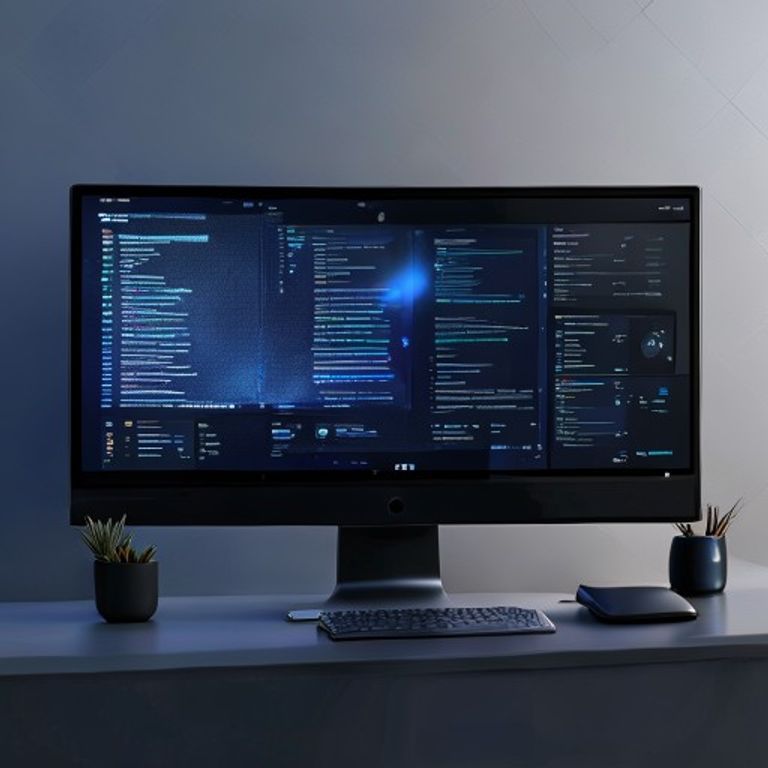
At 60Hz, the display refreshes every 16.67 milliseconds. This is generally sufficient for static office work, such as word processing, spreadsheet management, or browsing text-heavy websites. However, when you move a cursor or scroll through long documents, the difference between a standard panel and a high-refresh display becomes noticeable even to the casual user.
Analytical Comparison of Display Standards
To evaluate whether a high-refresh display is necessary for your specific needs, it is helpful to compare the technical characteristics of these two standards. The following table breaks down the performance implications of these refresh rates across common computing tasks.
| Feature | 60Hz Standard | 144Hz Performance |
|---|---|---|
| Frame Delivery | 16.67ms per frame | 6.94ms per frame |
| Motion Clarity | Moderate (blur potential) | High (sharp motion) |
| Input Latency | Standard | Reduced |
| System Load | Low | Higher (GPU dependent) |
As shown in the data above, the reduction in frame delivery time significantly impacts perceived fluidness. High-refresh monitors, often utilizing DisplayPort or advanced HDMI standards, provide a much tighter feedback loop between your physical input and the visual result on the screen. This is why users often describe 144Hz as feeling more “responsive” even outside of gaming contexts.
Is the Upgrade Worth It?
For everyday users, the move to 144Hz is primarily about visual comfort and interface fluidity. When you drag windows across the desktop or navigate complex operating system menus, the higher refresh rate reduces the ghosting effect often seen on slower panels. If you spend eight or more hours a day in front of a screen, the increase in smoothness can lead to reduced eye strain over long sessions.

However, it is important to note that higher refresh rates require more graphical processing power to maintain consistent frame rates. If your hardware cannot push enough frames to match the monitor’s capability, you may experience screen tearing or stuttering without adaptive synchronization technologies. Most modern integrated graphics are capable of handling high-refresh desktop environments, but the benefit is most pronounced when your system can consistently output frames that match or exceed the monitor’s refresh capacity.
Ultimately, while 60Hz remains a perfectly functional baseline for basic administrative tasks, 144Hz offers a noticeable improvement in overall interface responsiveness and visual clarity. Whether you choose to upgrade depends on your sensitivity to motion blur and the nature of your daily digital interactions. To help refine your hardware choices, you can explore more practical IT device reviews on our site by visiting our comprehensive technical knowledge base.