When shopping for monitors or televisions, the term HDR often appears as a marketing badge, but understanding HDR display standards is essential to distinguish between entry-level hardware and professional-grade performance. While many panels claim HDR compatibility, the technical reality of how light and color are processed varies significantly between consumer-tier specifications and professional mastering workflows.
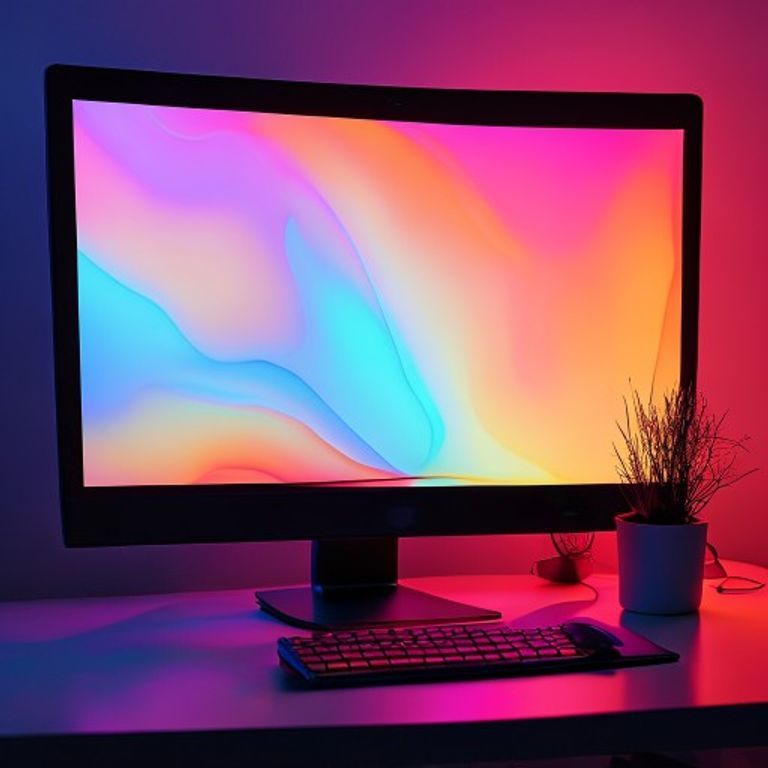
Understanding HDR Display Standards
The VESA DisplayHDR certification levels, such as HDR400, are entry-level benchmarks that confirm a display can handle an HDR signal. However, these baseline certifications do not guarantee a cinematic experience.
- Peak Brightness: HDR400 requires only 400 nits of peak brightness, which is often insufficient to create the high-contrast “pop” associated with true HDR.
- Color Gamut: These entry-level standards do not mandate wide color gamut coverage, meaning colors may look identical to standard dynamic range content.
- Local Dimming: Most HDR400 displays lack sophisticated local dimming, leading to “blooming” or washed-out blacks in dark scenes.
- Signal Processing: The hardware accepts an HDR10 signal but lacks the bit-depth to display the full range of metadata correctly.
These limitations exist because HDR400 is designed for budget-conscious office or general-purpose hardware rather than specialized color-critical work.
True Content Mastering Versus Consumer Displays
True HDR content mastering follows strict industry guidelines defined by organizations like the International Telecommunication Union to ensure the creator’s intent is preserved. Professional mastering monitors operate under completely different requirements than consumer-grade hardware.
- Reference Monitors: Mastering displays must maintain consistent, calibrated color accuracy across the entire panel, often costing thousands of dollars.
- Bit Depth: True mastering requires 10-bit or 12-bit color depth to prevent banding in gradients, whereas many consumer panels use 8-bit+FRC.
- Contrast Ratios: Professional displays utilize OLED or high-density mini-LED zones to achieve near-infinite contrast ratios, essential for HDR grading.
- Metadata Handling: Mastering involves precise control over SMPTE ST 2084 (PQ) curves, ensuring that highlights and shadows are mapped exactly as intended.
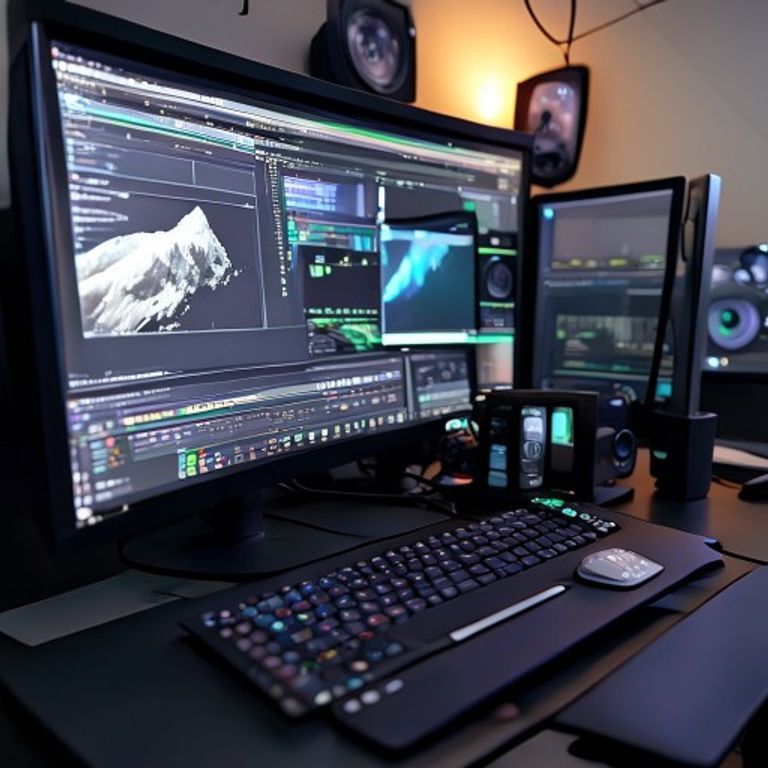
What to Watch For When Comparing Displays
When you are evaluating hardware, it is important to look past the marketing acronyms and focus on the technical capabilities that actually impact the image quality.
- Check for Local Dimming: Look for “Full Array Local Dimming” (FALD) or OLED technology rather than simple “edge-lit” HDR.
- Verify Peak Brightness: For a true impact, target displays that can hit at least 600 to 1000 nits of sustained brightness.
- Review Panel Bit Depth: Native 10-bit panels are superior to 8-bit panels that use temporal dithering to simulate extra colors.
- Look for Wide Gamut Support: Ensure the display supports at least 95% of the DCI-P3 color space.
By focusing on these metrics, you can avoid the disappointment of entry-level hardware that fails to deliver the high-contrast visuals you expect. We encourage you to explore more practical IT device reviews to help you build a setup that aligns with your specific visual requirements and professional needs.