Modern high-performance computing requires sophisticated thermal management to maintain stability under heavy workloads. Among the most critical innovations in this space is heatpipe technology, which serves as the backbone of nearly every high-end CPU air cooler found in the market today. By leveraging phase-change physics, these copper conduits effectively transport thermal energy away from the processor die to the cooling fins, where it can be dissipated into the surrounding air. Understanding this mechanism is essential for any PC enthusiast looking to optimize their build and ensure long-term hardware longevity.
FAQ
Q: How does a heatpipe actually move heat?
A: It uses a closed-loop system where a working fluid, usually water or alcohol, evaporates at the hot end, travels as vapor to the cooler end, condenses, and returns via a capillary wick structure.
Q: Is copper better than aluminum for these pipes?
A: Copper is preferred due to its superior thermal conductivity, which allows for rapid heat transfer from the processor base to the heatpipe surface before the phase change occurs.
Q: Do heatpipes ever stop working?
A: Yes, if the pipe is punctured or if the internal vacuum is lost, the phase-change cycle fails, rendering the cooler significantly less effective at moving heat.
heatpipe technology
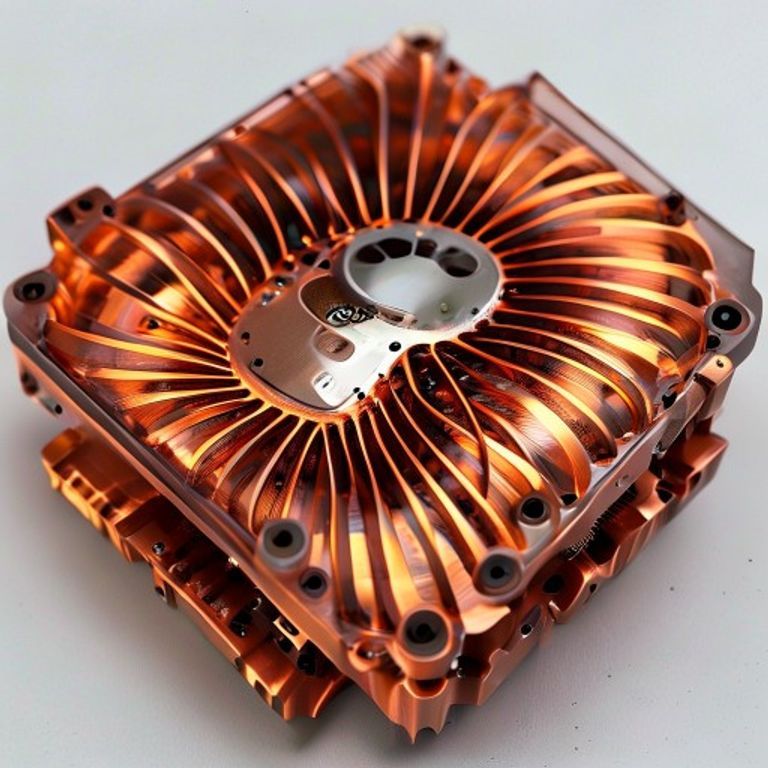
Evaporation Phase
At the base of the cooler, the intense heat from the CPU causes the liquid inside the heatpipe to turn into vapor. This transition from liquid to gas absorbs a massive amount of thermal energy, known as latent heat, which is the primary mechanism for rapid cooling.
Vapor Transport
Once transformed into gas, the vapor travels rapidly toward the cooler end of the pipe. Because the interior of the pipe is under a partial vacuum, the boiling point of the liquid is lowered, allowing the system to operate efficiently even at moderate temperatures.
Condensation and Return
As the vapor reaches the fins, it releases its stored heat into the metal structure and condenses back into liquid. This liquid is then drawn back to the hot base through the internal wick structure, completing the cycle and ensuring continuous cooling.
Common Mistakes
- Orienting the cooler in a way that prevents gravity from assisting the return of the working fluid to the base.
- Applying too much thermal paste, which creates an insulating layer between the CPU and the heatpipe base.
- Failing to remove the protective plastic film from the cooler base, which completely blocks direct thermal contact.
- Over-tightening the mounting screws, which can cause uneven pressure and micro-gaps between the heatpipe and the CPU heat spreader.
What to Check Before You Buy
- Verify the number and diameter of the heatpipes, as more pipes generally offer a higher thermal ceiling for overclocked processors.
- Ensure the base is finished with a mirror-like polish or perfectly flat machining to maximize the surface contact area with your specific CPU socket.
- Check the clearance of your PC case and RAM modules to ensure the bulky heatpipe array does not physically interfere with other components.

Conclusion
Integrating advanced cooling solutions into your PC build is a vital step in protecting your investment. By mastering how these components function, you can make informed decisions that keep your system running cool, quiet, and reliable for years to come. Whether you are building a workstation or a gaming rig, prioritizing high-quality thermal hardware is always a smart investment.
For a deeper technical understanding of these systems, you can explore the official entries for Computer Cooling and Central Processing Unit (CPU) on Wikipedia.
Explore more in-depth IT and networking guides on our Tech Pick Factory homepage.